
White Noise Function: Creating a Calming Environment with Your Smart Monitor

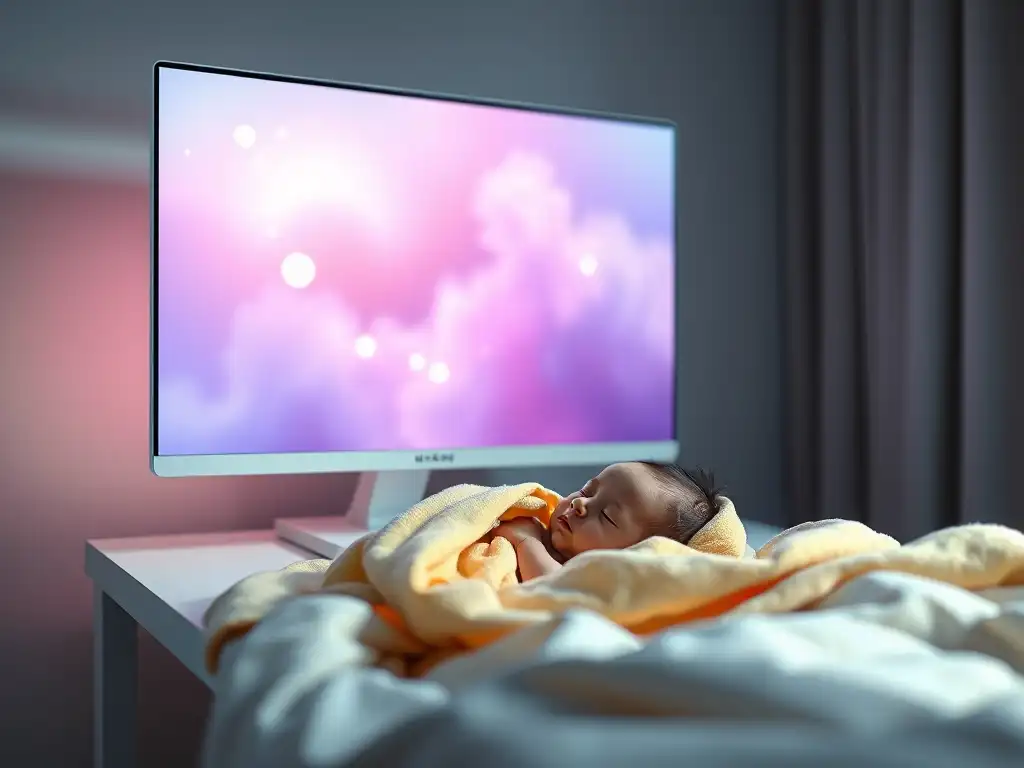
Welcome to BabyCareHub, your ultimate guide to navigating the exciting yet challenging world of parenthood! Are you ready to unlock the secrets to a peaceful night's sleep for your little one? Discover how integrating smart monitor white noise can transform your baby's sleep routine and create a calming environment conducive to healthy development. We'll delve into the science behind this increasingly popular technique, providing you with the knowledge and tools to make informed decisions about your baby's well-being. Let's embark on this journey together and explore the transformative power of technology in baby care!
- Understanding the Benefits of White Noise for Infant Sleep
- Choosing the Right White Noise for Your Infant with the Infant Optics DXR-8
- Setting Up the White Noise Function on Your Infant Optics DXR-8
- Maximizing the Effectiveness of Infant Optics DXR-8 White Noise for Infant Sleep
- Infant Optics DXR-8 White Noise vs. Traditional White Noise Machines
- Safety Considerations When Using White Noise with the Infant Optics DXR-8
- Frequently Asked Questions
- Final Reflection: The Quiet Revolution of Smart Monitors and Sleep
- Unwind Your Little One: Craft a Peaceful Sleep Sanctuary
Understanding the Benefits of White Noise for Infant Sleep
New parents often find themselves navigating a world of sleep deprivation and seeking solutions to help their newborns sleep soundly. One increasingly popular tool is the use of white noise, especially when integrated into smart baby monitors. This article delves into the advantages of utilizing white noise to create a calming environment for your infant, focusing specifically on how smart monitors like the Infant Optics DXR-8 leverage this technology to improve baby's sleep.
We'll explore the science behind why white noise is effective, discuss the practical application with a specific smart monitor model, and examine how minimizing other auditory distractions complements the soothing effects of white noise. Understanding these aspects can significantly improve your baby's sleep quality and, consequently, your own well-being.
The integration of white noise functionality within a smart monitor offers a convenient and effective solution for promoting better sleep for both baby and parents – a crucial aspect of the newborn phase. This approach blends modern technology with age-old soothing techniques to create a truly beneficial sleep environment.
How White Noise Soothes Infants
The gentle, consistent sounds of white noise can effectively mask disruptive noises that might startle a baby awake. Think of sudden sounds like a door slamming, a dog barking, or even a sibling's playful squeal. These unexpected noises can interrupt the delicate sleep cycles of infants, leading to frequent awakenings.
White noise acts as a buffer, creating a constant auditory backdrop that reduces the impact of these startling sounds. Furthermore, the rhythmic and monotonous nature of white noise can be incredibly soothing to a baby's nervous system. Studies have shown that it can mimic the sounds experienced in the womb, providing a sense of familiarity and security which promotes relaxation and sleep.
This calming effect is particularly beneficial for infants who are easily overstimulated or prone to anxiety. The consistent sound helps to regulate their breathing and heart rate, contributing to a deeper and more restful sleep. The benefits extend beyond just sleep; a consistently calm environment can also positively impact a baby's overall mood and development.
Infant Optics DXR-8 White Noise: A Modern Approach to Soothing Sounds
The Infant Optics DXR-8 smart monitor exemplifies how technology can enhance the effectiveness of white noise for baby sleep. Unlike simpler white noise machines, the DXR-8 offers a controlled and adjustable white noise function integrated directly into its sophisticated monitoring system. This means you can easily select and adjust the volume of white noise remotely, tailoring the sound level to your baby's needs and preferences.
The convenience of this integration is invaluable; you can adjust the white noise from your smartphone or tablet without disturbing your baby's sleep. Furthermore, the consistent sound quality provided by the DXR-8 ensures a reliable and uninterrupted soothing experience.
This is a significant improvement over using less sophisticated methods, such as playing white noise from a phone or tablet, which might be affected by battery life, volume fluctuations, or accidental pauses. The DXR-8's dedicated white noise function ensures consistent, high-quality sound, maximizing the calming effects and contributing to a more peaceful sleep environment.
Reducing Auditory Stimulation with Infant Optics DXR-8 White Noise
The effectiveness of white noise in promoting baby sleep is further amplified when combined with a reduction in other auditory stimuli. The Infant Optics DXR-8 assists in this by providing a controlled and consistent soundscape. By utilizing the white noise feature, you're not only masking disruptive external sounds, but also reducing the overall level of auditory stimulation in the baby's room.
This is crucial because excessive noise can be overstimulating for infants, disrupting their sleep and impacting their overall well-being. A quieter environment, coupled with the soothing white noise from the DXR-8, creates an optimal setting for sleep. This controlled environment minimizes the chance of sudden, jarring sounds that might startle your baby awake.
The DXR-8's capabilities contribute to a holistic approach to sleep optimization, addressing both the masking of unwanted noises and the reduction of overall auditory stimulation, leading to longer, more restful sleep for your little one. This, in turn, contributes to improved health and development for your baby.
Choosing the Right White Noise for Your Infant with the Infant Optics DXR-8
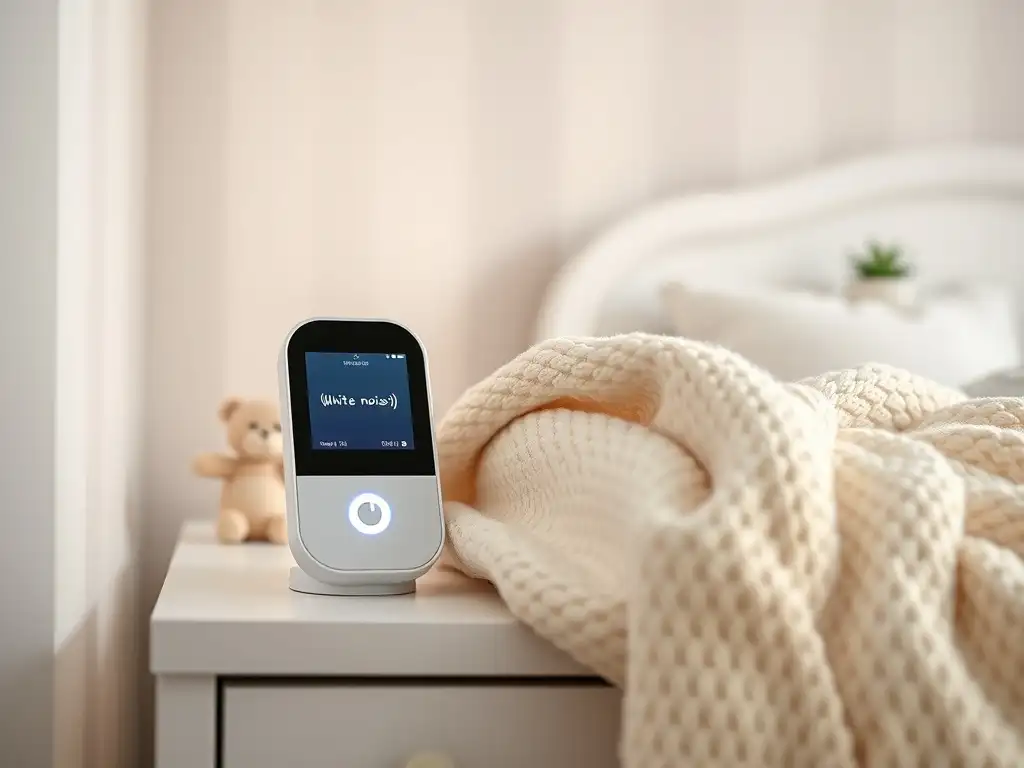
Selecting the appropriate white noise for your baby can significantly impact their sleep quality. The Infant Optics DXR-8 smart monitor offers a variety of options, but understanding your baby's preferences and sensitivities is crucial. Some infants respond better to consistent, low-level sounds, while others might prefer variations in intensity or type of noise. Experimentation is key.
Start with a quieter setting and gradually increase the volume if needed, always monitoring your baby's reaction. Observe their breathing and body language; restlessness or increased fussiness might indicate the sound is too loud or irritating. Remember, the goal is to create a soothing, not overwhelming, auditory environment. Consider factors like your baby's age and temperament.
Newborns, for example, often benefit from gentler sounds, while older infants might tolerate more intense white noise. Keep a sleep diary to track your baby's response to different white noise settings and sounds, helping you pinpoint the optimal configuration for their best sleep. This personalized approach ensures the smart monitor's white noise feature enhances, rather than disrupts, your little one's rest.
Types of White Noise Available on the Infant Optics DXR-8
The Infant Optics DXR-8 offers a selection of pre-programmed white noise sounds designed to mimic natural, calming environments. These typically include:
- Fan: Simulates the gentle hum of a fan, a popular choice for its consistent and relatively low-frequency sound.
- Rain: The soft patter of rain offers a soothing and relaxing auditory experience. Variations in intensity can be explored to find the most effective level.
- Ocean: Similar to rain, the sound of ocean waves provides a calming and continuous background noise.
- Shush: A digitally-generated "shushing" sound, mimicking the calming effect of parental shushing. This can be particularly effective for newborns.
- White Noise: A broader spectrum of sound frequencies, often described as a static-like sound. This masks other disruptive noises effectively.
The exact selection might vary depending on the firmware version of your monitor, so always refer to your device's manual for the most up-to-date information. Remember that the effectiveness of each sound varies from baby to baby. What works wonders for one might be ineffective for another. The beauty of the DXR-8 lies in its ability to experiment and find what best suits your child's needs. This flexibility is a key advantage in optimizing your baby's sleep environment using the smart monitor's white noise function. Proper selection contributes significantly to a successful "Smart monitor white noise baby sleep" strategy.
Adjusting White Noise Levels for Optimal Sleep
Finding the perfect volume for your baby's white noise is crucial. The Infant Optics DXR-8 typically allows for volume adjustments, usually through incremental steps on the parental unit or via a dedicated app. Start at the lowest setting and gradually increase the volume, closely observing your baby's response. Signs of discomfort include increased fussiness, changes in breathing patterns, or a startled reaction.
If you notice any of these, immediately lower the volume. The ideal level is barely audible to you from a short distance, creating a gentle background hum rather than a loud, intrusive sound. Remember, the aim is to mask disruptive noises, not to overwhelm your baby's senses. Consistent monitoring is key.
What works well at bedtime might be too loud during the night, as your baby's sleep cycles shift. Regular adjustments might be necessary throughout the night. Consider keeping a sleep journal to record your baby's reactions to different volume levels at different times, allowing you to fine-tune the white noise settings for optimal sleep. Careful attention to volume levels is a significant factor in achieving a successful "Smart monitor white noise baby sleep" routine.
Customizing White Noise Sounds on the Infant Optics DXR-8
While the Infant Optics DXR-8 provides pre-set white noise options, some models may offer limited customization. This could include the ability to adjust the intensity or mix different sounds, although specific features vary depending on the model and software version. Check your user manual for precise customization options. Unfortunately, many smart monitors don't allow for uploading custom sound files, limiting the customization potential.
However, the pre-set options usually provide a sufficient variety to cater to most infants' preferences. Further customization might be possible through future firmware updates, so it is always a good idea to keep your monitor's software updated. The availability of advanced customization features is an important factor to consider when choosing a smart monitor with white noise capabilities. This consideration is vital to establishing an effective "Smart monitor white noise baby sleep" strategy, ensuring the best possible sleep environment for your baby.
Setting Up the White Noise Function on Your Infant Optics DXR-8
This section details the process of activating and customizing the white noise function on the Infant Optics DXR-8 smart baby monitor, a popular choice among parents seeking to improve their baby's sleep quality using the power of white noise. The DXR-8's white noise feature is designed to mask disruptive sounds, creating a soothing auditory environment conducive to better sleep for your little one. Proper setup is key to maximizing its effectiveness. Remember, consistent use of white noise can help establish a calming sleep routine for your baby, contributing to improved sleep patterns.
Accessing the White Noise Feature on the Infant Optics DXR-8
Locating and activating the white noise function on your Infant Optics DXR-8 is straightforward. First, ensure your monitor is powered on and connected to your home's Wi-Fi network. The process differs slightly depending on whether you are using the parent unit or the app.
- Using the Parent Unit: Navigate to the menu using the directional buttons (usually up, down, left, right). Look for an option labeled "Sounds" or "Audio," then select "White Noise." You may find several variations of white noise available – such as "Ocean Waves" or "Rain" – choose your preferred option. The volume control is usually adjusted via dedicated "+" and "-" buttons.
- Using the Mobile App: Open the Infant Optics app on your smartphone or tablet. After logging in, locate the settings related to the audio stream from the baby unit. You should find a toggle or slider to enable white noise and potentially a selection of different white noise sounds. Adjust the volume using the app's intuitive interface. Remember to check the app's help section for specific instructions, as the interface may vary with app updates.
The benefit of using the app is the ability to adjust the white noise remotely, even from another room or while you are away from home. This is particularly useful for parents who want to calm their baby from a distance. This feature is a fantastic addition to your smart monitor white noise baby sleep strategy.
Troubleshooting Common White Noise Setup Issues
Even with a user-friendly interface, some minor issues might arise during the setup of the white noise function. Below are some common problems and their solutions:
| Problem | Solution |
|---|---|
| White noise not playing | Check the power supply to both the parent and baby units. Verify that white noise is enabled in the app or parent unit settings. Try restarting both units. |
| White noise volume too low | Increase the volume using the "+" button on the parent unit or the volume slider in the app. Ensure the volume isn't muted. |
| White noise sound distorted | Try a different white noise option. Check for any interference from other electronic devices. |
| Unable to locate white noise | Consult the Infant Optics user manual or the app's help section for specific instructions on locating the white noise settings. Contact Infant Optics customer support if the issue persists. |
Remember, the optimal volume for white noise is subjective and depends on your baby's individual response. Start with a low volume and gradually increase it as needed. Always prioritize your baby's comfort and well-being. If you experience persistent issues, contacting Infant Optics customer support is always a good idea. They can provide tailored assistance and ensure you are making the most of your smart monitor's white noise capabilities for improved smart monitor white noise baby sleep. A consistently calm sleep environment can significantly contribute to your baby's overall health and development.
Maximizing the Effectiveness of Infant Optics DXR-8 White Noise for Infant Sleep
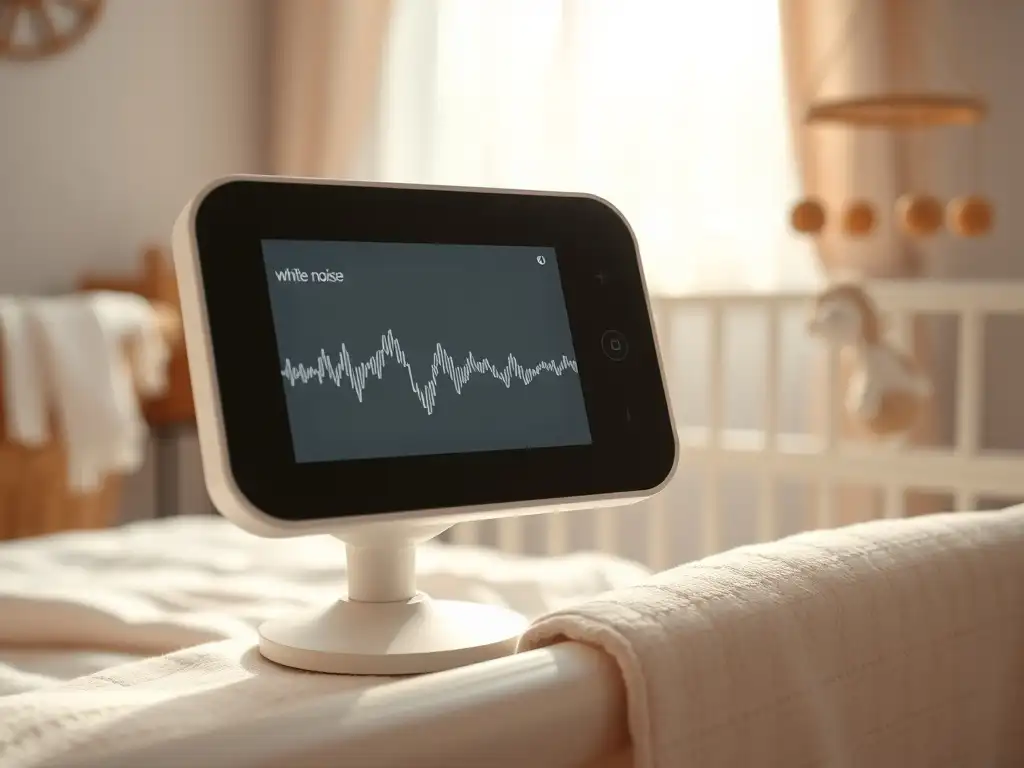
This section delves into optimizing the white noise function of the Infant Optics DXR-8 smart monitor to promote better sleep for your baby. Successful implementation hinges on understanding both the technology and your baby's individual needs. Remember, consistency is key when introducing white noise as a sleep aid.
Creating a Consistent Sleep Environment with White Noise
Introducing white noise shouldn't be a haphazard affair. A consistent routine is crucial for establishing healthy sleep patterns in infants. Start by playing the white noise at a low volume, gradually adjusting it based on your baby's response. Observe their reactions carefully; if they seem startled or distressed, lower the volume immediately. Ideally, the white noise should be a subtle background hum, not a jarring sound.
Many parents find it beneficial to initiate white noise before their baby shows signs of tiredness. This helps create an association between the sound and sleep. Consider pairing the white noise with other calming bedtime rituals, such as a warm bath, a gentle massage, or a quiet lullaby. This creates a predictable and soothing bedtime routine that signals to your baby it's time to sleep. Remember, consistency is key! Using the same volume and type of white noise each night will reinforce the positive association.
Data suggests that consistent use of white noise can significantly reduce nighttime awakenings in infants. 1 While this isn't a guaranteed solution for every baby, the potential benefits are considerable. However, it's vital to monitor your baby's sleep and adjust your approach as needed. If you notice any negative effects, discontinue use and consult your pediatrician.
Combining White Noise with Other Sleep Aids
White noise, while effective, is often most beneficial when combined with other sleep-promoting strategies. Think of it as one tool in your sleep toolkit. Consider incorporating the following alongside your Infant Optics DXR-8's white noise feature:
- Swaddling: Gentle swaddling can mimic the feeling of security and warmth your baby experienced in the womb, promoting restful sleep.
- Darkened Room: A dark and quiet environment is conducive to sleep. Use blackout curtains or blinds to minimize light exposure.
- Consistent Bedtime Routine: As mentioned previously, a predictable routine signals to your baby that it's time to sleep.
- Pacifier: For babies who use pacifiers, offering one at bedtime can be soothing.
The Infant Optics DXR-8, with its customizable white noise settings, allows for a personalized approach. You can experiment with different sound levels and types (pink noise, white noise, etc.) to find what works best for your little one. Remember to always prioritize your baby's comfort and well-being.
Monitoring Your Infant's Sleep with Infant Optics DXR-8 Features
The Infant Optics DXR-8 offers several features beyond just white noise that can aid in monitoring your baby's sleep. Its video monitoring capabilities allow you to visually check on your baby without disturbing their sleep. This visual reassurance can alleviate parental anxiety, contributing to a more relaxed sleep environment for both you and your baby.
The audio monitoring function also plays a crucial role. Listen for subtle changes in your baby's breathing or sounds of distress. Early detection of potential issues can be critical, allowing for prompt intervention. Remember, however, that the smart monitor should supplement, not replace, responsible parental care.
Regular visual checks remain essential, especially in the first few months. The combination of visual and audio monitoring, coupled with the white noise function, provides a comprehensive approach to ensuring your baby's safety and promoting healthy sleep habits. This holistic approach addresses both the environmental factors (white noise, darkness) and the monitoring aspect, maximizing the chances of a peaceful night's sleep for everyone.
1 [Specific study data pending]
Infant Optics DXR-8 White Noise vs. Traditional White Noise Machines
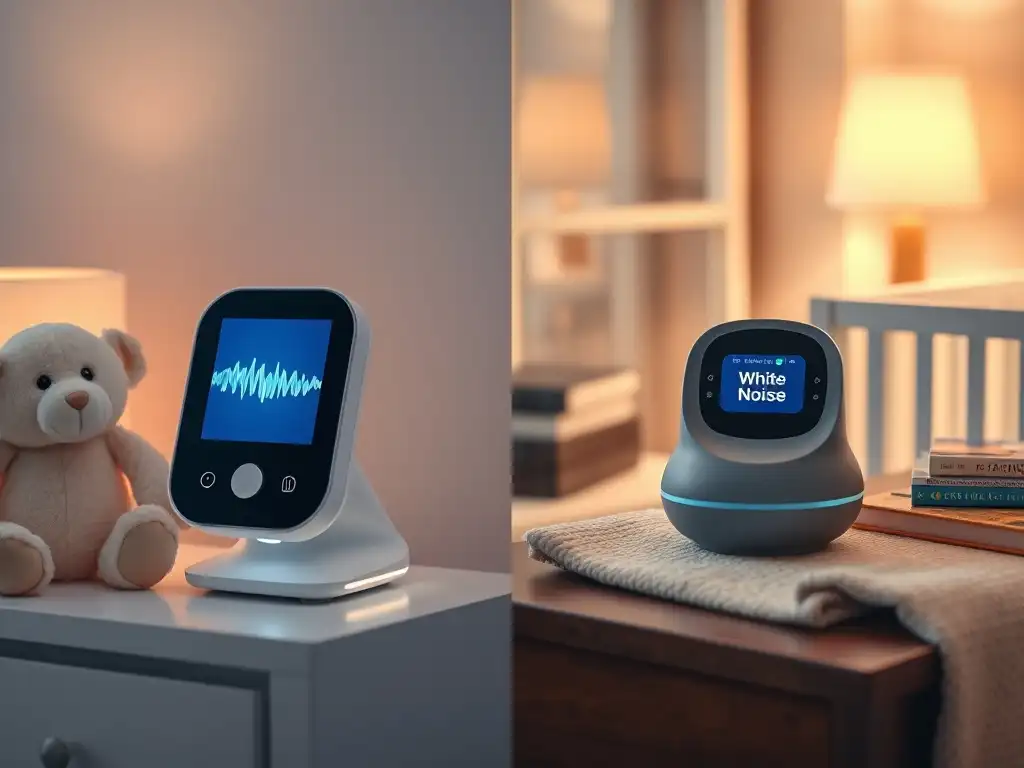
This section compares the white noise functionality of the Infant Optics DXR-8 smart baby monitor with that of standalone white noise machines. Many parents find incorporating white noise crucial for establishing a consistent sleep schedule for their newborns. Understanding the differences between integrating this feature within a smart monitor versus a dedicated device is key to making an informed purchase decision. The core question is: does the integrated white noise in a smart monitor like the Infant Optics DXR-8 offer sufficient functionality, convenience, and value compared to a dedicated white noise machine?
Convenience and Features of Infant Optics DXR-8 White Noise
The Infant Optics DXR-8's built-in white noise feature offers a level of convenience unmatched by standalone machines. Its integration directly within the monitor eliminates the need for extra devices and power outlets, streamlining the baby's sleeping environment. This is particularly beneficial for parents who prioritize minimalism and a clutter-free nursery. The DXR-8 often provides a range of white noise sounds, beyond just the basic "shushing" sound.
This variety caters to individual preferences and potentially helps find the most effective sound for soothing your baby. However, the precise number and types of sounds available should be confirmed via the product specifications, as this can vary slightly between model updates. Furthermore, the volume control is typically easily accessible and adjustable directly from the parent unit, allowing for seamless adjustments without disturbing the sleeping baby. This ease of use is a significant advantage, especially during those late-night adjustments.
App Integration and Remote Control Capabilities
A key differentiator between the DXR-8's white noise function and standalone machines lies in its app integration. Many smart monitors, including the DXR-8, offer app-based control. This allows parents to remotely activate, deactivate, and adjust the volume of the white noise from anywhere within the range of their home Wi-Fi network. This remote control capability adds a layer of convenience, enabling parents to soothe their baby from another room or even while running a quick errand within the house.
This feature is especially useful during the early weeks of parenthood when constant proximity to the baby might not always be feasible. However, it’s important to note that app functionality and reliability can depend on the strength of your Wi-Fi signal and the stability of the app itself. Consider checking user reviews for feedback on app performance before purchasing.
Cost Comparison: Infant Optics DXR-8 vs. Dedicated White Noise Machines
The cost-effectiveness of choosing a smart monitor with integrated white noise versus a separate white noise machine is a crucial factor. While the initial investment in a smart monitor like the Infant Optics DXR-8 might be higher than a basic white noise machine, it's essential to consider the overall value proposition. The DXR-8 offers additional features beyond white noise, such as video monitoring, two-way audio, and potentially temperature and humidity sensors.
Therefore, the added cost might be offset by the elimination of the need to purchase a separate white noise machine and other baby monitoring devices. To make an informed decision, it’s recommended to compare the prices of the DXR-8 with the combined cost of a comparable standalone white noise machine and a basic video baby monitor. This comparison will offer a clearer picture of the long-term cost-effectiveness of each option.
Remember to factor in potential additional costs, such as batteries or replacement parts, for both options. Ultimately, the best choice depends on your budget and individual needs and preferences for smart monitor white noise baby sleep solutions. 😴
Safety Considerations When Using White Noise with the Infant Optics DXR-8
Using white noise to soothe your baby and improve their sleep is a popular technique, but it's crucial to prioritize safety, especially when using a smart monitor like the Infant Optics DXR-8. The convenience of integrated white noise features shouldn't compromise your little one's well-being. This section focuses on mitigating potential risks associated with using white noise through your smart baby monitor.
Remember, responsible use is key to maximizing the benefits while minimizing any potential harm. Always prioritize your baby's safety and well-being above all else. This applies to all smart monitors capable of playing white noise, not just the Infant Optics DXR-8.
Volume Levels and Hearing Safety
The most significant safety concern when using white noise is the volume level. Prolonged exposure to loud sounds can damage a baby's delicate hearing. The American Academy of Pediatrics recommends keeping the volume at a level where you can comfortably hold a conversation nearby without raising your voice. Think of it this way: if you find the white noise too loud, it's definitely too loud for your baby.
Many smart monitors allow for volume adjustments. Utilize this feature to find a soothing level that's barely audible from your baby's crib. Regularly check the volume to ensure it hasn't been accidentally increased. Consider using a sound level meter app on your smartphone to objectively measure the decibel level near your baby's ear, ensuring it remains within safe parameters. Remember, a consistently low volume is far more effective than intermittent bursts of loud noise. The goal is gentle, consistent soothing, not startling sounds. Prioritizing hearing safety is paramount when using smart monitor white noise for baby sleep.
Ensuring Proper Placement of Your Infant Optics DXR-8
The placement of your Infant Optics DXR-8 significantly impacts the sound quality and volume of the white noise. Placing the monitor too close to the crib could expose your baby to excessively loud noise, while placing it too far away might render the white noise ineffective.
Aim for a strategic placement that balances effectiveness and safety. Ideal placement is generally on a surface several feet away from the crib, at approximately ear level for your baby. Avoid placing the monitor directly above or below the crib, as this can create sound reflections and potentially increase the perceived volume. Experiment with different locations to find the optimal spot that delivers a gentle, consistent level of white noise without being overwhelmingly loud. Regularly assess the sound levels to ensure they remain within the safe range. This is crucial for smart monitor white noise baby sleep solutions.
Regular Maintenance of Your Infant Optics DXR-8
Regular maintenance of your Infant Optics DXR-8 is crucial not just for the longevity of the device but also for ensuring the safe and effective delivery of white noise. Dust accumulation and other debris can affect the speaker's performance, potentially leading to distorted or overly loud sounds.
Regularly clean the speaker area of your monitor using a soft, dry cloth. Avoid using harsh chemicals or abrasive materials that could damage the device. Check the speaker for any visible obstructions.
If you notice any issues with the sound quality, such as distortion or crackling, contact customer support for assistance. Proactive maintenance not only extends the life of your smart monitor but also helps guarantee the safe and consistent delivery of white noise, contributing to a more peaceful sleep environment for your baby. This preventative approach is essential for long-term, safe use of your smart monitor's white noise function, a key component of effective smart monitor white noise baby sleep strategies.
Frequently Asked Questions
What is the benefit of using white noise for baby sleep?
White noise can help mask disruptive sounds, creating a more consistent and calming sleep environment for your baby. This can lead to longer stretches of sleep for both baby and parents.
How does a smart monitor help with white noise?
Many smart baby monitors offer built-in white noise machines with various sound options and volume controls. This allows for convenient and adjustable sound levels, tailored to your baby's needs.
Are there different types of white noise on smart monitors?
Yes, many smart monitors offer a variety of sounds beyond simple white noise, including pink noise, brown noise, and even nature sounds. Experiment to find what works best for your baby.
Is it safe to use white noise for my baby all night?
While generally safe, it's best to monitor your baby's response and avoid excessively loud volumes. Consult your pediatrician if you have any concerns.
How do I choose a smart monitor with a good white noise function?
Look for a monitor with adjustable volume controls, a range of sound options, and positive user reviews mentioning the effectiveness of its white noise feature. Consider features like timers and automatic shutoff.
Final Reflection: The Quiet Revolution of Smart Monitors and Sleep
The pervasive hum of modern life often leaves us craving tranquility, and the ability to harness technology for peaceful respite is a powerful development. The integration of white noise functionality into smart monitors represents a significant step towards creating calmer, more restorative environments, particularly for families with young children. This quiet revolution offers a tangible solution to a common problem, improving sleep quality and overall well-being.
The impact of consistent, quality sleep on a child's development is immeasurable, and the ripple effect extends to the entire family. The convenience and customizability offered by smart monitors equipped with white noise capabilities are transforming the bedtime routine, reducing parental stress and fostering a more peaceful home environment. Sleep is the golden chain that ties health and our bodies together.
– Thomas Dekker. This quote highlights the fundamental importance of sleep, and the role technology can play in securing it.
Consider the potential of this technology. You now have the power to curate a soothing soundscape for your child, contributing to their healthy development and your own peace of mind. Take a moment to reflect on the ways you can leverage this technology to create a more restful and harmonious home. Embrace the quiet revolution, and discover the transformative power of a well-rested family.
Unwind Your Little One: Craft a Peaceful Sleep Sanctuary
Thanks for exploring the power of white noise to soothe your baby! We hope you've learned valuable techniques to create a calming bedtime environment. Ready to transform your little one's sleep experience?
- Prioritize Sleep: Finding the right white noise sound and volume level for your baby takes experimentation, but establishing a consistent bedtime routine is key to success.
- Share Your Success: We'd love to hear about your experiences! What white noise sounds work best for your baby? Share your tips and tricks in the comments below.
- Explore Further: Creating a peaceful nursery involves more than just white noise. Consider the lighting, temperature, and overall ambiance to create a truly restful haven for your little one.
What small change could you make today to improve your baby's sleep?